Darksword
In March, a Darksword exploit kit for iOS leaked, becoming available to virtually every hacker in the world. As of this writing, it is estimated that 24% of iOS devices in use are running a vulnerable version.
Riot has deployed simple changes to help you deal with this risk.
You can sync your fleet's device data between Google or Microsoft and Riot.
A new course dedicated to Darksword has been added to your catalog. It is automatically set to a smart group of users vulnerable to Darksword. Note that out of precaution it includes users who don't have a registered mobile device, which we consider odd.
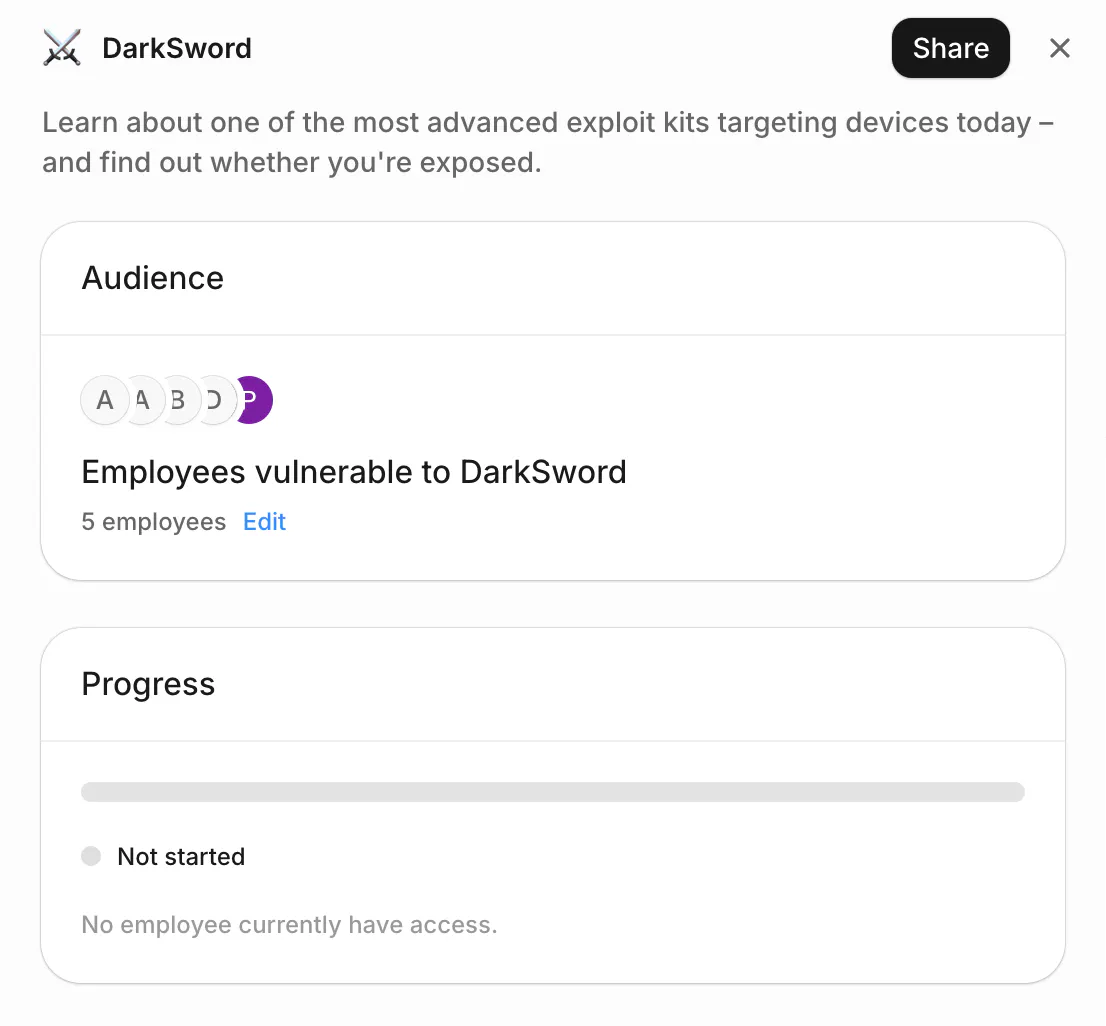
You can decide to send it these users once, or add to the Year 1 program. We recommend adding it to the program, to help inform new joiners.
You can track course completion, as with any other course. You can also see the smart group get smaller as employees update their devices.
Sonar alerts
Sonar Alerts is your queue for the security decisions employees can't make alone. Each one comes with the context you need and a one-click fix.
1. Sharing to a personal email
A share to a personal address can be a benign mistake, or the first step of an exfiltration. In the second case, the employee's own explanation isn't something you can trust, so Sonar allows you to quickly assess the situation and act.
2. Dangerous apps
Employees often struggle to estimate the risk they’re taking. When it’s high and time-sensitive, walking them through the intricacies of OAuth is not an option. You can quickly see apps requiring elevated rights, and shut them down in one click.
3. Missing owner
When it’s hard to determine who’s really in charge of a partner, Sonar escalates to you. You can either assign an owner based on your domain knowledge, or you can revoke access.
4. Late partner review
Level-1 decisions are made by employees, but they sometimes let security tasks slip. When an owner has failed to assess a partner for 2 missions in a row, Sonar raises an alert for you to take a look.
Inbox and Slash summary
You and your team can now see at a glance why an email was categorized as Malicious, Spam, or Safe. The summary reflects the specific email, and does not feel like a generic template.
In Inbox, this summary saves you time. The strongest signals are highlighted. Individual signals remain accessible for deeper analysis.
If you agree with Inbox, these elements are used to explain your determination to the employees who reported the email. If you don’t, they are discarded. In both cases, you can add your comments.
When you use Slash, employees will see the summary list clear reasons why they should be careful. It does so in simple terms, and in the language set in their profile.